Contact Center Intelligence: where it fits next to Dynamics 365 Contact Center
- Published
- Author
- Lloyd Sebag
- Type
- Chronicle
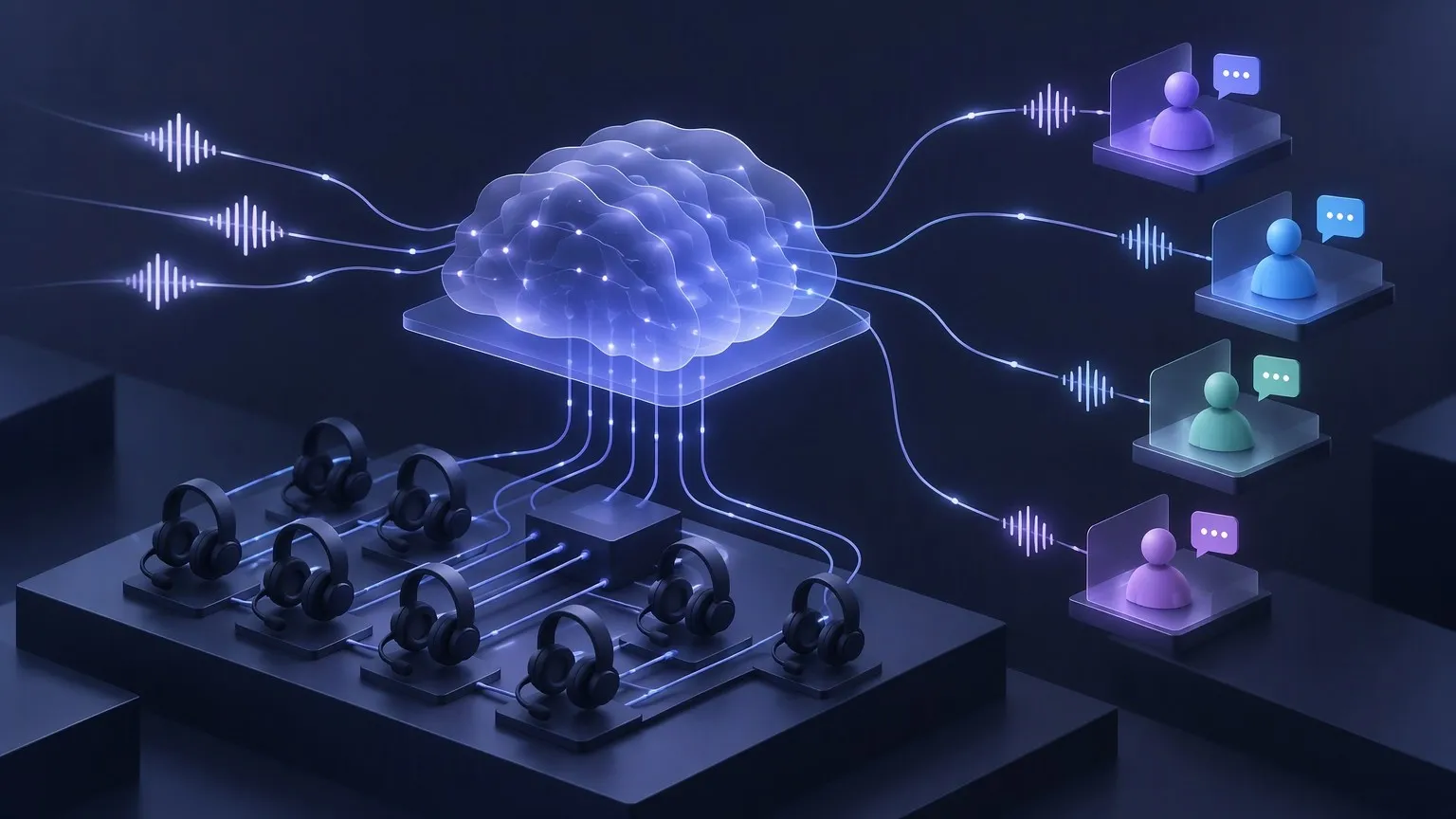
On November 18, 2026, Microsoft announced that Contact Center Intelligence is generally available, after a public preview that started in October. The name sounds like one more Copilot feature, but it is a product of its own, with its own portal and documentation, and it answers a question Customer Service architects hear often: how do we add Microsoft AI agents to a contact center that does not run on Dynamics 365? This article explains what the product contains, how it relates to Dynamics 365 Contact Center and Copilot Studio, how a non-Microsoft platform connects to it, and what is still unclear.
What Contact Center Intelligence is
The Learn overview describes it as an "intelligent layer" for contact centers. The key word is layer: telephony, routing, queues and the representative desktop stay where they are. Contact Center Intelligence plugs Microsoft AI into them through connectors, APIs, event streams and embedded widgets.
As of November 2026, it groups three capabilities:
| Capability | What it does |
|---|---|
| Self-service agents (Customer Assist Agent) | Handle a whole customer conversation over voice or chat, and hand over to a human when needed |
| Biometric authentication | Verify the caller from a voiceprint during the conversation, with consent capture, confidence thresholds and fallback rules |
| Quality and insights | AI-assisted quality evaluation of interactions, real-time and historical dashboards for supervisors |
The Ignite blog post adds grounding through Work IQ, Foundry IQ and Fabric IQ, and says every agent created in the product appears in the Microsoft Agent 365 registry, where admins see its owner, channels, Entra identity, knowledge and tools. It also previews a speech-to-speech model.
Everything is managed from a dedicated portal with four areas: Customer Assist Agent, Insights and quality, Biometric authentication and Platform integrations. Under the hood, each portal environment is a Power Platform environment with Dataverse, which matters for ALM and governance, as we will see.
Three deployment shapes
The overview lists three ways to use the product, and choosing between them is the first architecture decision:
- With Dynamics 365 Contact Center. Microsoft provides both the contact center and the AI as one integrated stack. Contact Center Intelligence then mostly adds the AI capabilities on top of what Dynamics 365 Contact Center already does.
- With a non-Microsoft contact center (CCaaS). The existing platform keeps the calls and the representatives; Contact Center Intelligence adds the self-service agent, authentication and quality layers through connectors.
- Hybrid. You introduce one workload at a time, for example a voice self-service agent in front of an existing IVR, without committing to replace the platform.
The blog post presents the move to Dynamics 365 Contact Center as an upgrade path when an organization is ready. For a consultant, the second and third shapes are the new part: until now, a customer that ran another CCaaS platform and wanted Microsoft AI agents had to assemble Copilot Studio, Azure Communication Services and custom integration code.
The relationship with Copilot Studio
This is where most questions will come from. The agent you build in Contact Center Intelligence is a Copilot Studio agent running on the Customer Conversation harness, one of the agent runtimes of Copilot Studio. The Copilot Studio documentation is explicit: both surfaces use the same builder, so instructions, skills, tools, knowledge, events and sub-agents are authored the same way wherever you start.
The difference is deployment. According to the same page, you connect an agent to a live contact center (Dynamics 365 Contact Center, Genesys, Cisco or Avaya are given as examples) only from the Contact Center Intelligence portal, and only an Omnichannel Admin can do it. A practical split follows:
- makers can prototype and test in Copilot Studio, where they already work;
- administrators deploy to the contact center, configure biometrics and watch quality from the portal.
How a Customer Conversation agent is built
The harness overview describes a multi-agent design:
- a primary agent greets the customer, classifies the intent and routes;
- sub-agents handle focused intents (billing, order status, technical support). They share configuration, deployment and ALM with the primary agent;
- connected agents, such as an agent hosted in Azure AI Foundry, keep their own configuration and ALM and can be reused across orchestrations;
- each specialist has its own escalation path to a human;
- prebuilt contact center tools include Escalate (to Teams Phone, email or a live representative) and Biometric Authentication.
Every agent supports both speech and chat by default. Instructions have a general part and separate Speech and Chat tabs, each limited to 20,000 characters. One constraint deserves attention early: speech channels do not support end-user sign-in, so knowledge sources that need the customer's credentials only work in chat. Design the voice agent around knowledge that does not depend on who is calling, and use authentication tools for the rest.
The blog post also mentions deterministic, turn-by-turn dialogs alongside generative instructions, aimed at complex IVR trees. In practice, that gives you the choice between letting the model drive the conversation and scripting steps where compliance requires a fixed sequence, such as identity checks.
Connecting a non-Microsoft contact center
The What's new page lists, as generally available in November 2026, integrations for Genesys Cloud and a universal connector for other platforms. The Learn documentation has setup articles for the Genesys Cloud voice and chat connectors, AudioHook biometrics and a representative widget.
The universal connector reference is the most interesting page for integration developers. In short:
- it is a Microsoft-hosted WebSocket server; your platform is the client and exchanges JSON messages in an envelope called the Activity Protocol, with no SDK required;
- the same connection model handles audio sessions (real-time audio in both directions) and text sessions (chat);
- onboarding is a one-time process: you register an app identity in the Entra tenant that owns the Power Platform environment, submit its client ID and service principal object ID in the admin page, and receive an endpoint, an org ID and one channel ID per channel;
- authentication uses the client credentials flow, with your own application ID as the audience. A token issued by another tenant, even your corporate one, is rejected with HTTP 401. Federated credentials are supported when secrets are not allowed;
- audio is mono PCM at 16 or 24 kHz, or G.711 (mu-law or A-law) at 8 kHz, in strict 20 ms frames; a wrong frame size closes the connection;
- when the agent wants a human, the server sends a
call.transfer(orchat.transfer) event with atransferDestinationand closes the socket. The documentation insists that your platform must apply a fallback queue when the destination is empty, and never drop the call.
The session ID is a UUID generated by your platform and stays the same across reconnections, which lets a call survive a short network drop. If you are scoping an integration with a platform that has no native connector, read this page with the telephony team before you estimate anything.
Licensing, environments and governance
The system requirements say that licensing requirements apply, refer to the Microsoft Product Terms, and state that the product consumes Copilot Credits. The Copilot Studio pages confirm that building, testing, evaluating and running Customer Conversation agents can consume credits. As of November 2026, the public documentation gives no price per conversation or per minute, so capacity planning has to start from Microsoft's credit rates and your own interaction volumes, with a pilot to measure.
Other requirements worth noting:
- a supported Power Platform environment and geography with Dataverse;
- an Azure subscription when integrations, networking or logging need Azure resources (Azure Communication Services is listed);
- Edge or Chrome, with third-party cookies allowed for the portal, which can collide with hardened browser policies;
- roles split between tenant administrator, system administrator, builder and supervisor, applied through Entra groups and Dataverse teams.
Two consequences follow from the Dataverse base. First, the portal warns that resources and analytics are not shared between development, test and production environments, so you need an ALM path for agents, as for any other Copilot Studio solution. Second, the usual Power Platform governance applies: environment strategy, data loss prevention, and the 30-day trial, which creates its own Dataverse environment and must be converted to production, not used for real traffic.
What is still unclear
Some points don't line up between sources, and you should clarify them with Microsoft before you commit to a design:
- Supported platforms. The blog post names partnerships with Avaya, Cisco and Five9 for out-of-the-box connectors. The Learn documentation, as of November 2026, documents Genesys Cloud and the universal connector, and cites Cisco and Avaya only as examples in the Copilot Studio page. Ask which connectors are available today for your platform, and which are planned.
- Status of the harness. Contact Center Intelligence is announced as generally available, while the October 2026 entry of the Copilot Studio release notes introduced the Customer Conversation harness as a preview. The current harness pages carry no preview label. Confirm the support status of the agent runtime you will rely on in production.
- Portal address. The Learn pages link to both a preview and a non-preview address of the portal. Use the one your tenant administrator confirms.
Key takeaways
- Contact Center Intelligence brings Microsoft self-service agents, voice biometrics and AI quality management to an existing contact center, Microsoft or not, without replacing telephony and routing.
- Its agents are Copilot Studio agents on the Customer Conversation harness. Build anywhere; deploy to the contact center from the portal.
- For platforms without a native connector, the universal connector is a well-documented WebSocket protocol for audio and chat sessions.
- It runs on Dataverse and consumes Copilot Credits: plan environments, ALM and capacity as for any Power Platform workload, and check connector availability and support status before you promise anything to a customer.
Researched and drafted with AI assistance, then reviewed, edited and published by a human.
Sources
- Microsoft Contact Center Intelligence now generally available: transform customer interactionsmicrosoft.com
- Overview of Microsoft Contact Center Intelligencelearn.microsoft.com
- What's new in Microsoft Contact Center Intelligencelearn.microsoft.com
- Contact Center Intelligence system requirementslearn.microsoft.com
- Integrate with the Contact Center Intelligence universal connectorlearn.microsoft.com
- Agents powered by the Customer Conversation harness overviewlearn.microsoft.com
- Create a new agent (Customer Conversation)learn.microsoft.com
- Try Microsoft Contact Center Intelligencelearn.microsoft.com